7 Ways a Digital Menu Helps Restaurants Sell More
A digital menu can lift restaurant sales by improving photos, upsells, specials, analytics, updates, and the path from interest to order.
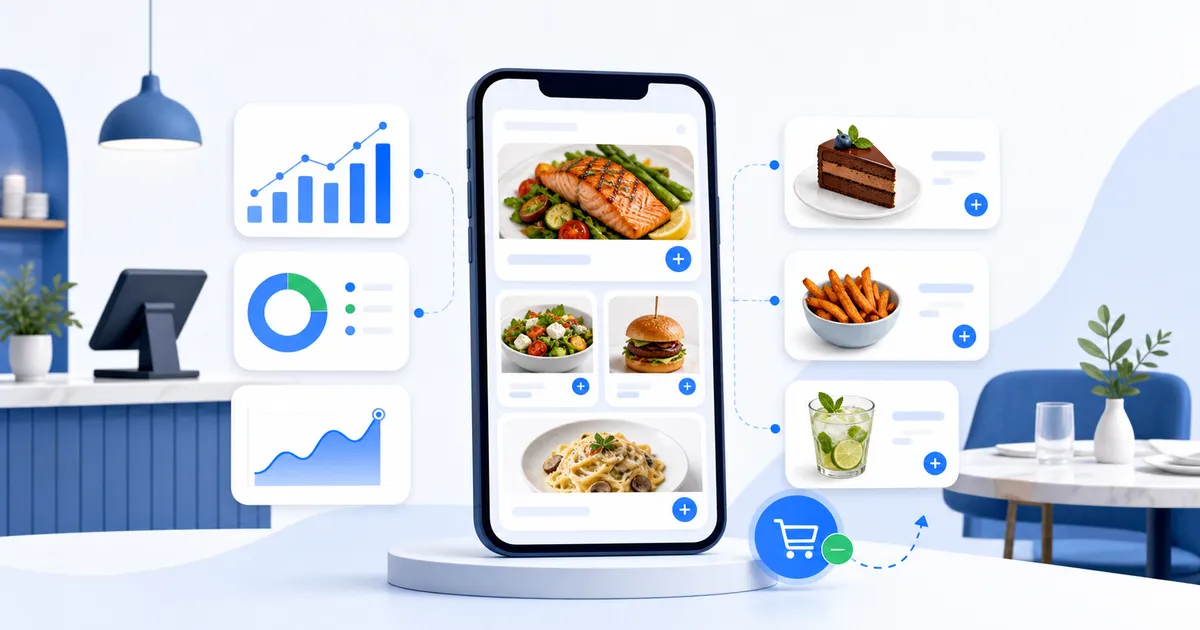
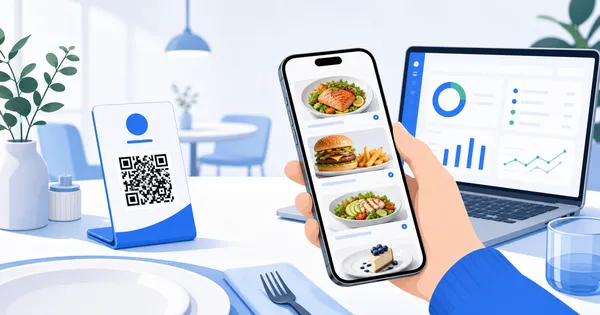
A digital menu does not sell more simply because it is digital. It sells more when it makes the right items easier to notice, understand, and choose. For restaurants, cafes, bars, and takeaways, that means using the menu as an active sales tool instead of a static list.
1. Put high-value items where attention starts
The top of a phone menu matters. Customers often make a short list quickly, then spend the rest of the scan confirming it. If your most profitable dishes sit three sections down, they may never get proper attention.
A digital menu lets you place high-value items near the beginning without reprinting anything. A burger shop can feature a premium combo before standard burgers. A cafe can place a brunch board above individual add-ons. A dessert bar can show the signature slice before the full cake cabinet.
This is not about hiding cheaper choices. It is about giving the strongest items a fair position.
2. Use photos to make appetite do some work
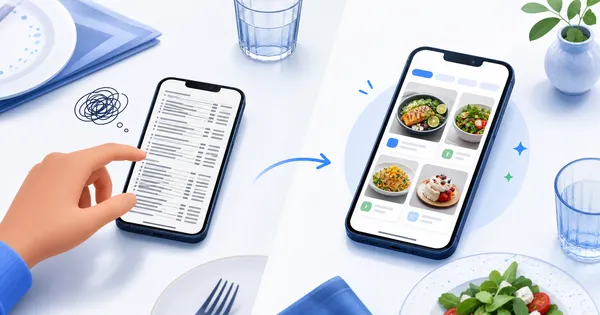
Food photos can turn a vague option into a specific craving. A customer may skip “loaded fries” in a text list, but pause when they see a generous bowl with sauce, toppings, and texture. That pause is valuable.
Use photos on items where visual appeal changes the decision:
- Signature mains that represent the venue well
- Desserts, cocktails, and specials with strong presentation
- Sharing plates where portion size matters
- New items customers have not seen before
- High-margin add-ons that are easy to overlook
The aim is not to make every item glossy. It is to show the dishes that need to be seen.
Customers cannot want what the menu fails to make visible.
3. Add upsells at the right moment
Upselling works best when it feels useful. A digital menu can place sides, dips, drinks, desserts, or pairings close to the item that makes them relevant. That is stronger than hoping staff remember every add-on during a rush.
Think of a takeaway customer choosing a chicken wrap. A nearby suggestion for seasoned fries and a house sauce makes sense. A dinner guest looking at steak may appreciate a wine pairing or premium side. Someone ordering coffee might be more likely to notice cake if it appears in the same decision moment.
The best upsells feel like part of the order, not a separate sales pitch.
4. Promote specials while they still matter
Printed specials often arrive late, stay up too long, or look like an afterthought. A digital menu can move with the week. If a seafood dish is available only from Thursday to Sunday, it can sit at the top during those days.
This helps with stock, too. If a dish sells out, remove it before disappointment reaches the table. If a slower item needs attention before prep is wasted, move it higher with a better photo. Small timing changes can protect revenue during real service.
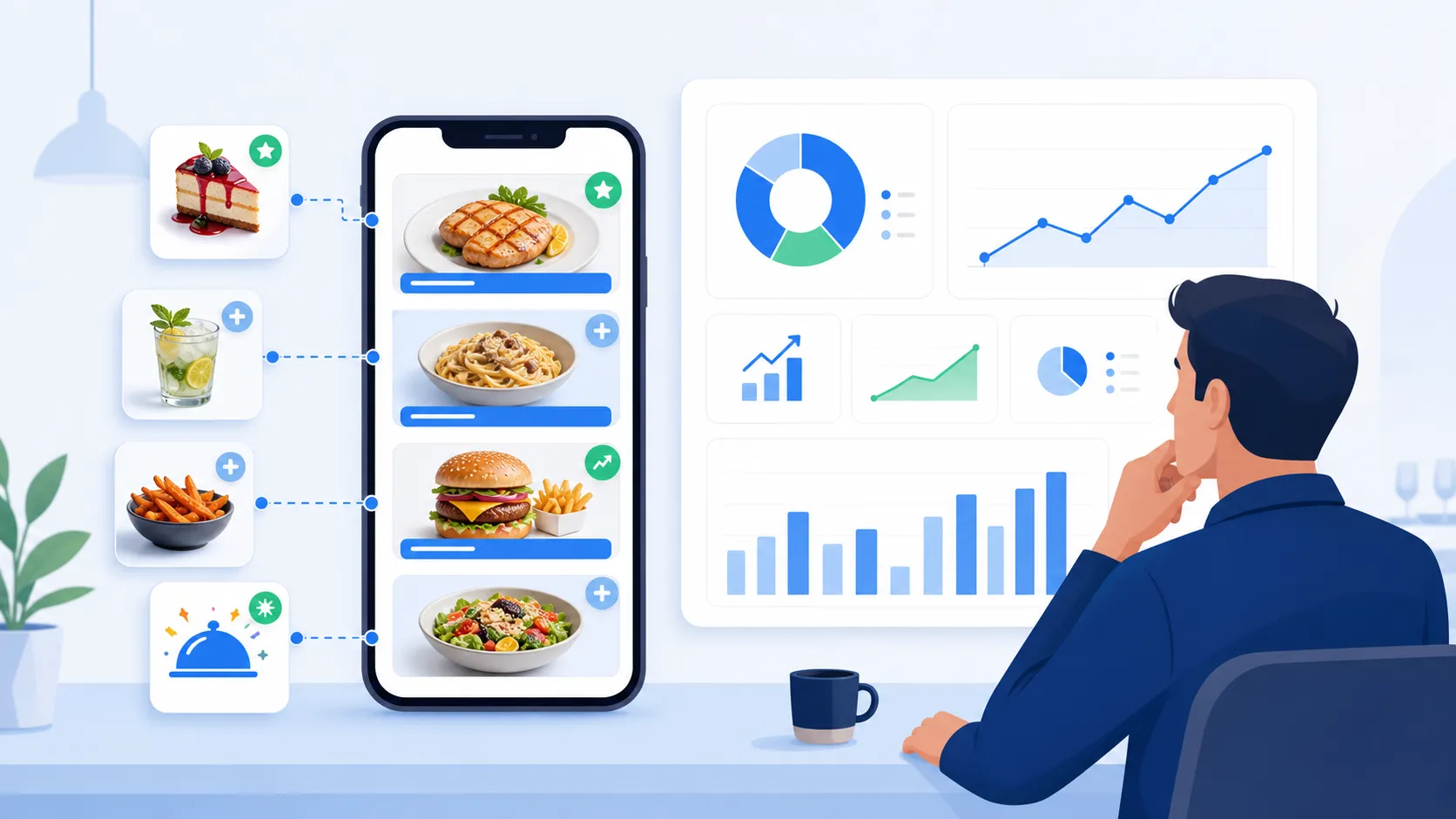
5. Use analytics to improve placement
Many owners know what sells at the till, but not what customers considered before ordering. Menu analytics fill that gap. They can show which sections get opened, which items attract attention, and where customers stop scrolling.
That data helps answer practical questions:
- Are people seeing desserts before they leave?
- Do customers open drinks after mains or skip them?
- Is a strong item buried below weaker categories?
- Are photos attracting attention but not converting into orders?
- Which specials deserve better placement next week?
You do not need endless dashboards. You need enough evidence to make better menu decisions.
6. Keep prices and availability accurate
Revenue leaks when the menu is out of date. Staff spend time explaining price changes, customers lose trust when the bill does not match the menu, and sold-out items keep creating disappointment. A digital menu reduces that friction because changes can happen quickly.
Imagine a cafe dealing with a supplier price hike on Monday. With a printed menu, the team may spend the week correcting customers at the counter. With a live digital menu, the price changes once and every scan reflects it. That protects both margin and confidence.
Accuracy may not sound like a sales feature, but customers are more likely to buy when the ordering experience feels current and reliable.
7. Connect interest to action
Once a customer likes what they see, the next step should be easy. Depending on the business, that might mean ordering online, calling, booking a table, following social media, or saving the menu for later.
For a takeaway, the order link should be obvious. For a bar, an events or reservation link may matter more. For a bakery, preorder links near celebration cakes can turn browsing into a future sale. The menu becomes part of the customer journey instead of a dead end.
Keep the path focused
Do not add every possible link everywhere. Too many buttons can distract from the food. Put the strongest action in the place where the customer is already showing intent.
Selling more starts with being easier to choose
Restaurants do not need a louder menu. They need a clearer one. The sales gains usually come from better visibility, stronger visuals, smarter timing, accurate information, and gentle prompts at the right moment.
A digital menu gives owners the control to keep improving those details. Move one item, test one photo, feature one special, and watch what changes. Over time, that is a better way to grow sales than waiting for the next redesign.
If your menu already has dishes people love, the next step is making sure guests actually see them, understand them, and know what to add.
Guide guests to better orders - use a visual digital menu to promote the items that deserve more attention.