How to Create a QR Code Menu for Your Restaurant in 2026
A practical 2026 guide to building a QR code menu with photos, live edits, branding, and a scan flow customers actually trust.
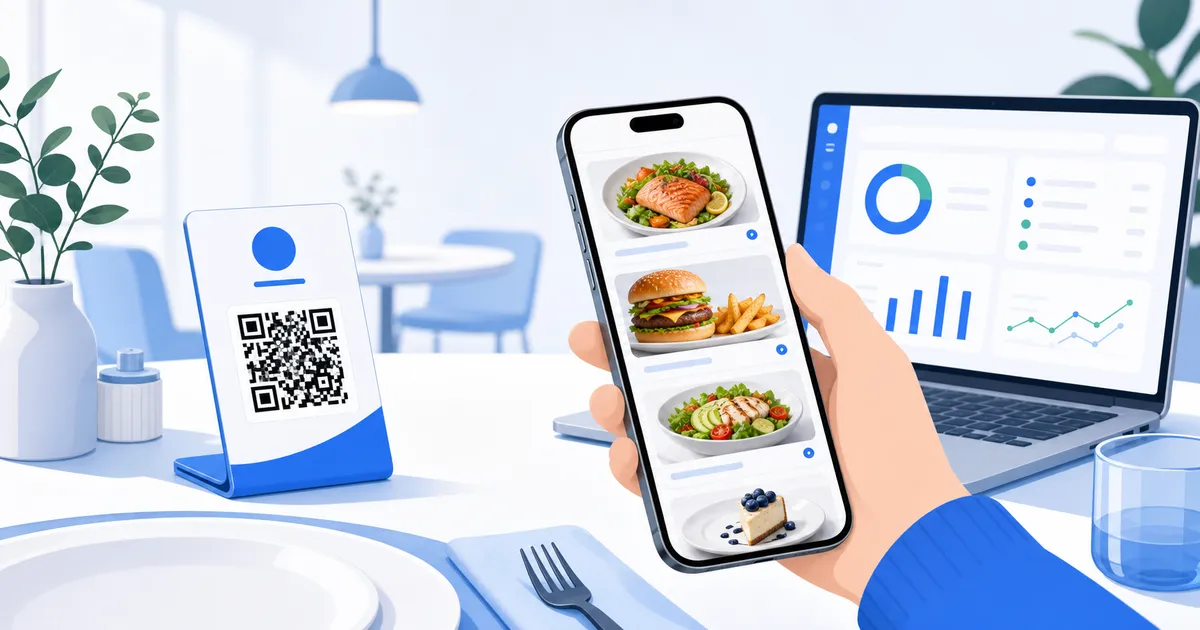
Creating a QR code menu in 2026 is not about printing a square code and linking it to a PDF. Customers now expect the scan to open quickly, fit their phone, show real food clearly, and help them decide without zooming or guessing. The QR code is only the doorway. The menu behind it shapes the experience.
Start with the menu customers actually need
Before choosing colours or printing table cards, map the way people order in your venue. A quick lunch customer, a family at a Saturday dinner table, and someone waiting at a takeaway counter do not read the same way. They scan for category names, recognisable dishes, prices, photos, allergens, and anything that feels popular or new.
The first version does not need every possible detail. It needs a clean structure:
- Clear categories that match how guests think, not how the kitchen stores items
- Short dish names and descriptions that fit on a phone
- Accurate prices, options, and availability
- Good photos for signature dishes, best sellers, and items people hesitate over
- A simple path back to drinks, desserts, specials, and order links
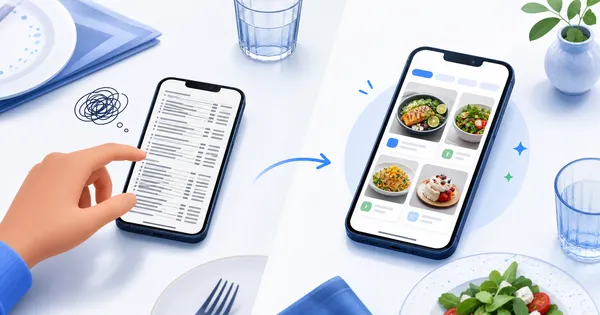
Many QR menus go wrong by copying the printed menu exactly. A digital menu should be edited for the screen, not squeezed onto it.
Choose a platform that can change during service
A QR code menu becomes useful when it is easy to update. If your smoked salmon add-on changes price on Thursday, the menu should reflect it before Friday brunch. If the tiramisu sells out at 8:30pm, the table menu should stop promoting it.
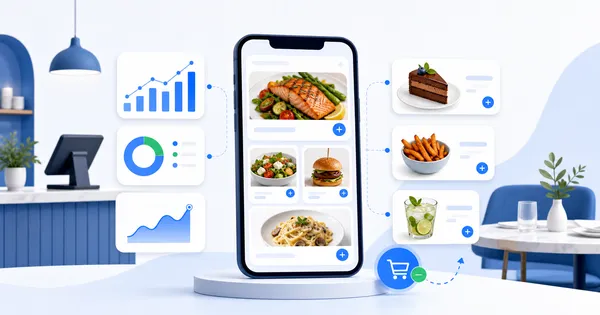
Look for a setup where you can update items, prices, photos, categories, and links from a dashboard without asking a developer or re-exporting a file. The practical test is simple: could a manager fix a mistake from a laptop or phone between two rushes?
A QR code menu is only as good as the live menu it opens.
Build the visual layer before you print anything
Photos are not decoration. They reduce uncertainty. Think of a guest deciding between three pasta dishes while the server is handling another table. A strong photo can answer questions that a short description cannot: portion size, sauce style, garnish, texture, and whether the dish feels light or filling.
Use photos where they matter most. You do not need a professional shoot for every modifier, but you should prioritise:
- Signature dishes people should notice first
- High-margin items that deserve more attention
- Desserts and drinks where appearance drives desire
- New specials that need a quick explanation
- Dishes with names that may be unfamiliar to new customers
Avoid uploading dark, cropped, or inconsistent images just to fill space. A smaller set of clear photos usually beats a full gallery of weak ones.
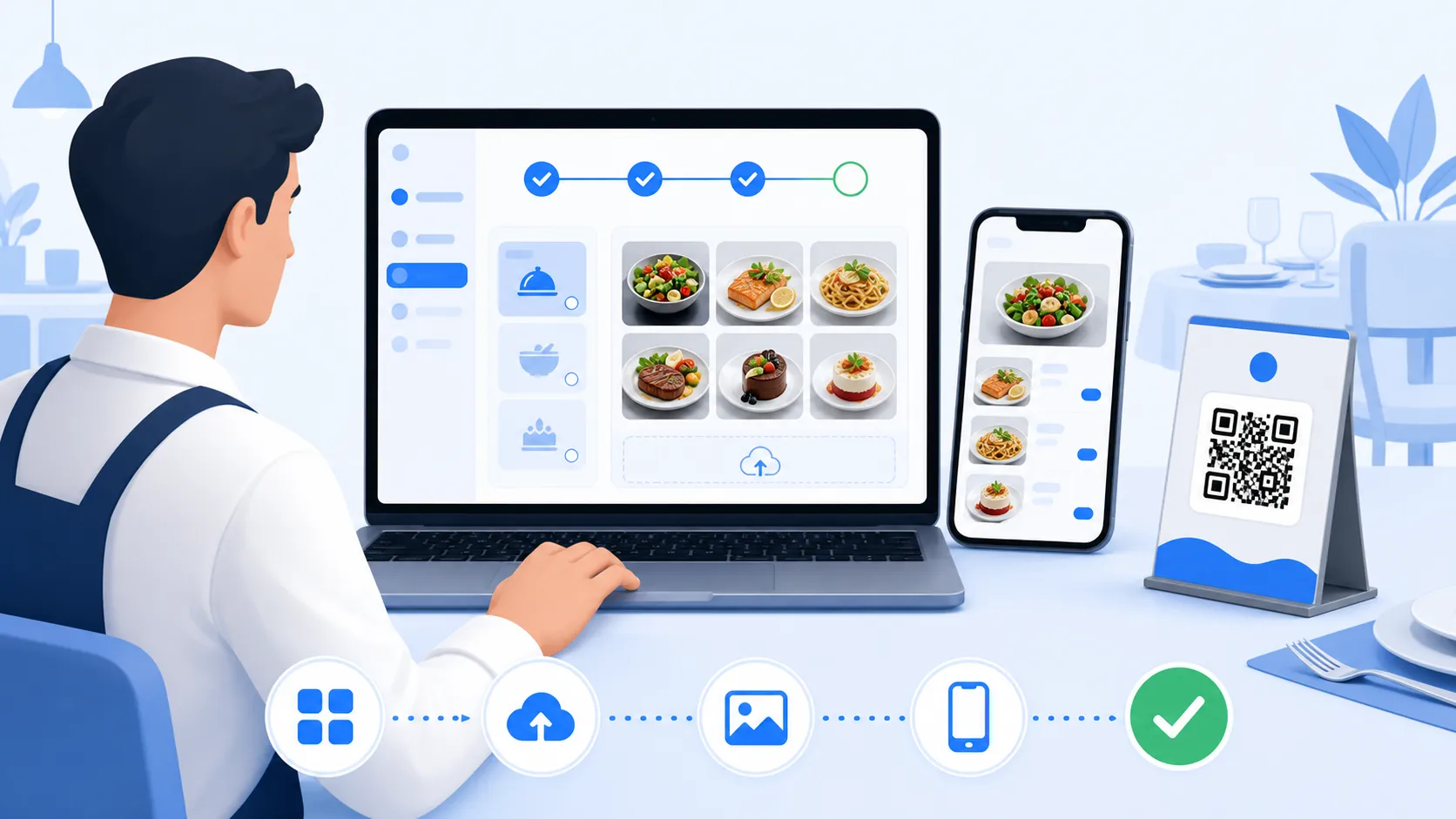
Create the QR code after the menu is ready
Only generate the QR code once the menu URL, preview, and structure are ready. That order matters. Printing a QR code too early can lock you into a rushed page, a temporary link, or a layout you have not tested on real phones.
When the menu is ready, test the QR code like a customer would. Scan it from different distances, under warm restaurant lighting, and with both newer and older phones. The table card should be easy to scan without being oversized or ugly. If customers have to tilt the card, turn on a torch, or ask what the QR code is for, the design needs work.
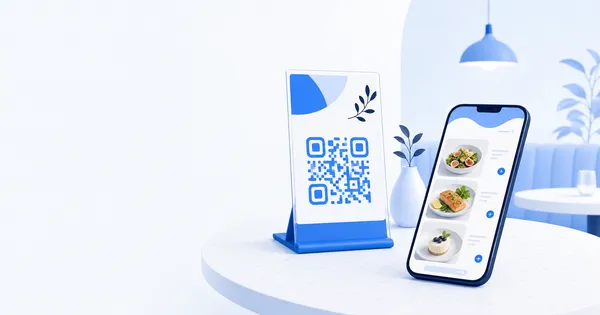
The card itself should also feel like part of the venue. A plain code taped to a table can make a polished restaurant feel unfinished. A branded stand feels more intentional.
Connect the menu to the next action
A QR code menu should do more than show dishes. It should help customers move to the next useful step. For some venues, that means linking to online ordering. For others, it means social media, delivery platforms, booking pages, loyalty signups, or a simple call button.
The key is restraint. Do not turn the menu into a crowded landing page. Put the most useful actions where they make sense. A takeaway might place order links near the top. A cocktail bar might keep Instagram and event links lower down. A cafe might feature preorder information near cakes or catering items.
Good digital menus guide without interrupting. Every extra link should support the decision to eat, order, book, or return.
Check the menu before the first real shift
Before the QR code reaches every table, run a small service test. Ask two staff members and one regular customer to scan it and find a best-selling dish, a drink, and a dessert or add-on. Watch where they slow down.
Then fix the obvious issues:
- Rename confusing categories
- Move popular items higher
- Replace photos that do not help
- Shorten descriptions that wrap awkwardly
- Check prices, allergens, and sold-out items
- Test the menu on mobile data, not just fast Wi-Fi
This final check is not busywork. It catches the small problems that become visible during a rush.
Keep improving after launch
The best QR code menu is not finished on the day it launches. After a week, look at what customers view, where they pause, and which sections deserve a better position. If a profitable side dish is buried, move it. If desserts get attention after coffee, connect those moments. If a special performs well, give it a better photo before the weekend.
That is the advantage in 2026: the menu can learn from service instead of waiting for the next print run.
If your restaurant is ready for a QR code menu, build the experience behind the scan with the same care you put into the food, table, and brand.
Launch your QR menu - create a visual, editable menu that is ready for real restaurant service.